In today’s digital era, audio-visual (AV) equipment is no longer just a supporting element for seminars—it is a core factor that directly impacts the quality and success of any meeting. Incomplete or inefficient visual and sound systems can cause participants to lose focus and miss important information. Therefore, selecting a seminar room that is fully equipped with suitable and reliable AV technology is an essential consideration that should never be overlooked.
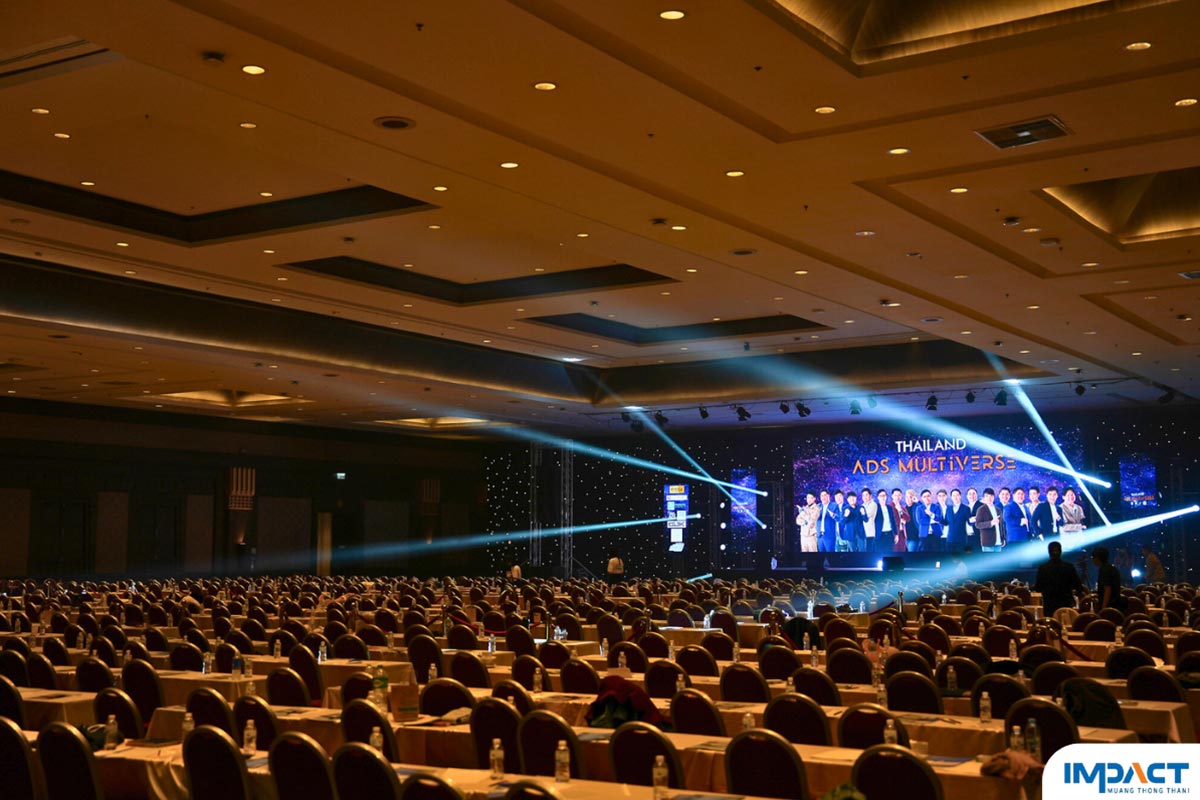
Why AV Equipment Is Essential for Visual and Audio Systems in Meeting and Seminar Rooms
To begin with, it is important to understand what AV (Audio-Visual) equipment is and why it plays such a crucial role in meetings and seminars. AV equipment refers to the tools that enable participants to clearly view visual content on LED screens or projectors, as well as hear clear, high-quality sound. Having an efficient AV system helps ensure that meetings run smoothly and professionally, reflecting the credibility and standards of the venue. A complete AV system consists of the following key components:
1. Visual Systems
Visual equipment should provide high brightness and sharp image quality, whether using LED screens or projectors.
- LED Screens are ideal for large venues or rooms with strong ambient lighting. They offer higher brightness and more vibrant colors than projectors, ensuring clear visibility from all viewing angles.
- Projector Screens are suitable for small to medium-sized rooms. It is important to check that the projector’s brightness level is sufficient for the room size to prevent images from appearing dim under normal lighting conditions.
- TV Monitors for Speakers are essential when speakers cannot turn back to view the main screen, such as when standing with their back to it. Floor-standing TV monitors placed in front of the stage allow speakers to track the progress of the displayed content, ensuring their presentation aligns smoothly with the visuals.
2. Audio Systems
A good sound system must distribute audio evenly throughout the room without interference or distortion. Key components include:
- Speakers should be strategically positioned to ensure sound coverage across the entire venue, allowing participants seated at the back or sides of the room to hear as clearly as those in front.
- Microphones should be selected based on the speaker’s needs and presentation style. Options include tabletop microphones, podium microphones, Isomax (headset or lapel) microphones, and handheld microphones.
- Stage and Control Monitors are essential for large meetings or seminars where audio delay may occur. Monitor speakers placed on stage and at the sound engineer’s control panel help synchronize sound output, ensuring consistency and clarity throughout the event.
A well-designed AV system not only enhances communication and engagement but also elevates the overall professionalism and effectiveness of any meeting or seminar.
In addition to the quality of visual and audio output, which requires carefully selected high-quality AV equipment, some events also require AV systems that support video and audio recording in various formats, including LIVE OB, LIVE streaming, and recording. This may also extend to simultaneous interpretation, which requires the installation of an interpretation system complete with interpreter booths and headsets for international guests. Such systems allow real-time translation without disrupting other aspects of the event’s operations.
- LIVE OB, short for Live Outside Broadcast or Live OB Switching, refers to the professional process of managing and switching video and audio signals for live broadcasting from outside a studio or directly from the event venue. Many participants may be familiar with this setup from large-scale events, conferences, or seminars where live footage from the venue is displayed on screens in real time.
- LIVE Switching involves live-streaming meetings or seminars via social media platforms such as YouTube or Facebook Live. This requires seamless integration between the on-site AV system and the wiring connected to the video and audio recording and live transmission equipment.
- Recording (Record) refers to capturing video and audio content that is not streamed live directly from the venue. In some cases, video and audio are recorded separately as part of the event’s overall AV system. This requires careful planning of the AV wiring and recording setup from the very beginning to ensure complete and high-quality documentation of the event.
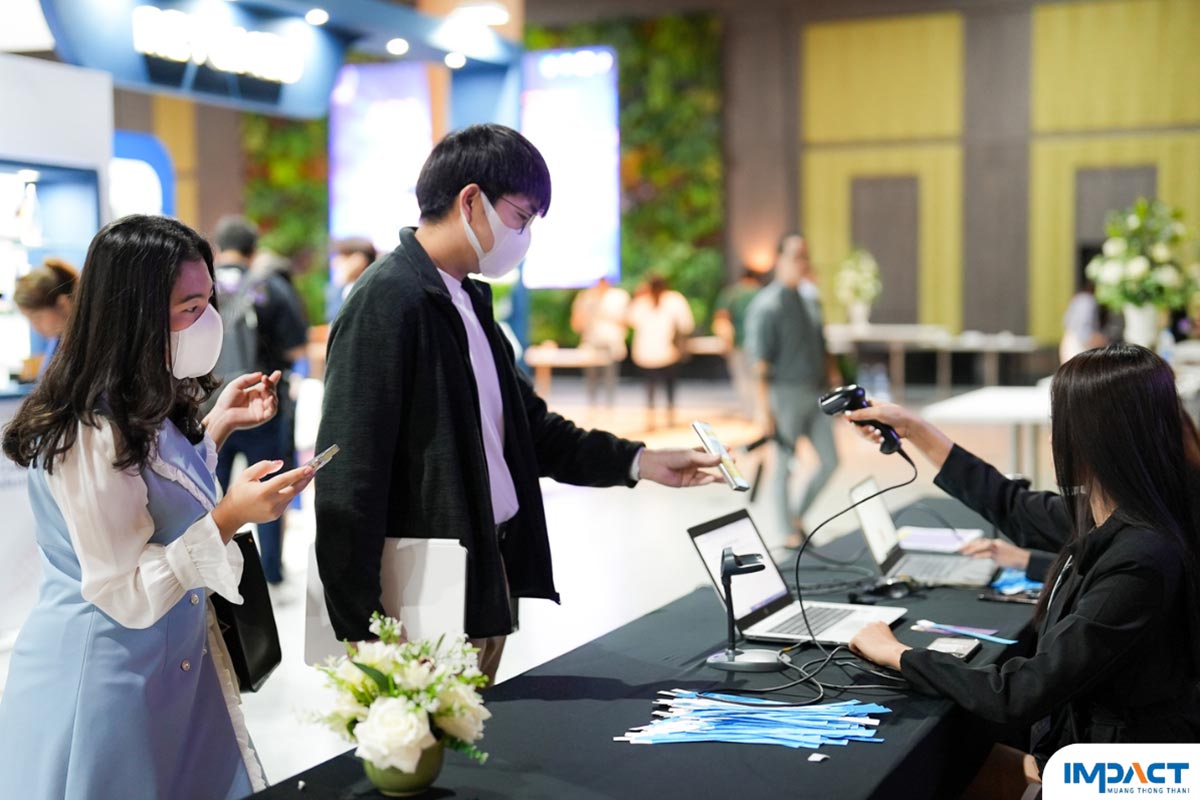
Tips for Choosing a Meeting or Seminar Venue with Complete and Effective AV Systems
Choosing a seminar room that is equipped with high-quality AV systems from the start helps reduce setup time and costs, while also minimizing technical risks on the event day. This is especially important for events with complex protocols, frequent switching between visual and audio systems, and various types of recording requirements as mentioned above.
1. Evaluate the Visual System
- Type of Display
Built-in LED screens are considered the most premium option, as they offer superior brightness and clarity even in well-lit rooms. If the venue uses projectors, be sure to ask about the brightness level (lumens), which should be sufficiently high—typically around 5,000–10,000 lumens or more depending on room size—to prevent images from appearing dark or washed out. - Screen Size and Placement
Check whether the number of screens is adequate, especially in long or wide rooms, and ensure that screen placement is not obstructed by pillars or other structural elements. - Screen Resolution
Confirm the screen resolution (e.g., Full HD or 4K) to ensure that text and graphics are sharp and easy to read.
2. Evaluate the Audio System
- Sound Distribution
Walk around the entire room, including the back and corner areas, to test whether sound levels are consistent throughout. Audio should be clear, without excessive echo or muffling. - Microphone Quality
Ask whether the venue provides high-quality wireless microphones and if there are enough units to accommodate multiple speakers. - Q&A Microphones
Ensure that additional microphones are available for Q&A sessions. Wireless microphones are ideal, as staff can quickly pass them to audience members. - Mixer System
The venue’s technical team should have a professional mixer capable of adjusting EQ levels and effectively controlling noise.
3. Evaluate Basic Infrastructure and Connectivity
- Visual Connectivity
The AV system should support all standard connection types (such as HDMI and USB-C) and ideally include a stable wireless presentation system for added convenience. - Internet and Wi-Fi
Reliable, high-speed internet is essential, especially for live streaming or events with heavy simultaneous usage. Backup internet solutions should also be available in case of emergencies. - Backup Power Supply
The venue should be equipped with backup power systems (UPS or generators) to prevent disruptions in the event of a power outage. - Cable Management
Ensure that cables and equipment are neatly organized and safely secured to avoid clutter or potential hazards for participants.
4. Evaluate the Technical Team and Services
- On-Site Technicians
A reliable venue should have AV technicians on standby in the meeting room throughout the event to promptly resolve any technical issues. - Pre-Event Testing
The venue should allow for advance testing of AV systems and speaker presentations, ideally 1–2 days prior to the event or at least 2–3 hours before it begins.
By carefully considering these factors, organizers can ensure a seamless, professional, and highly effective meeting or seminar experience.
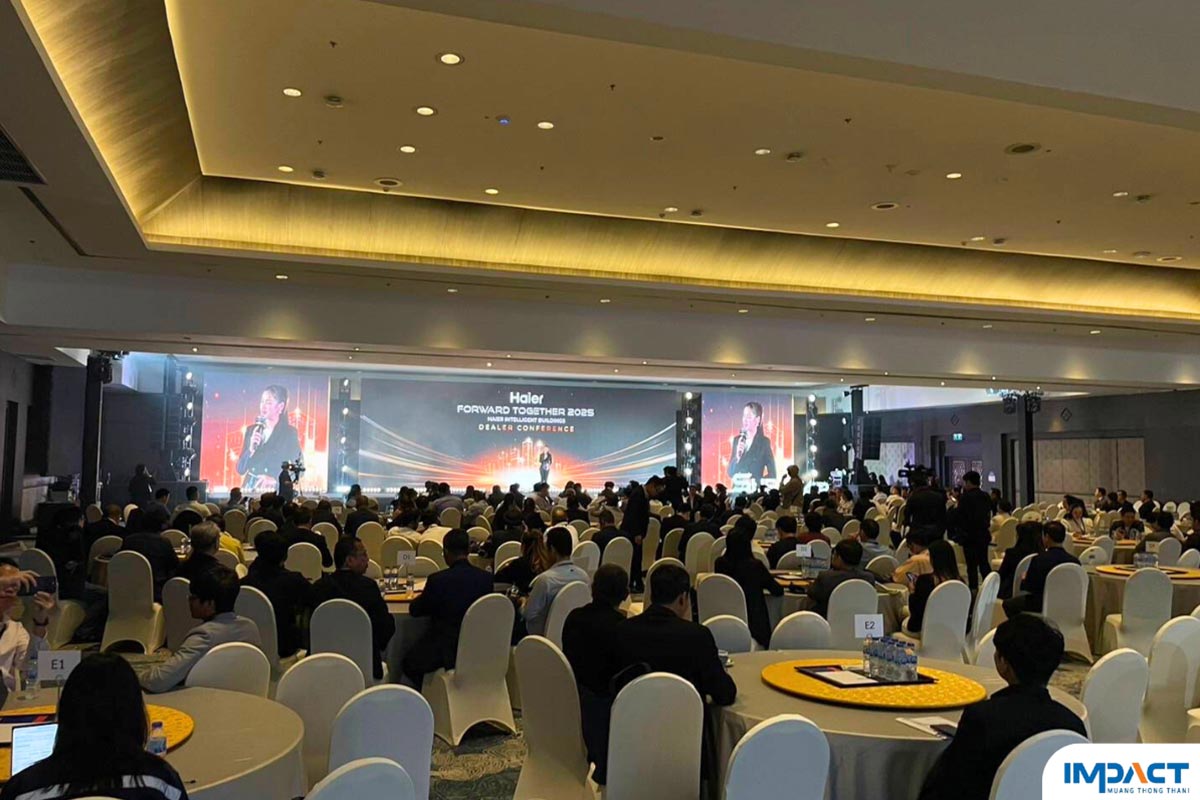
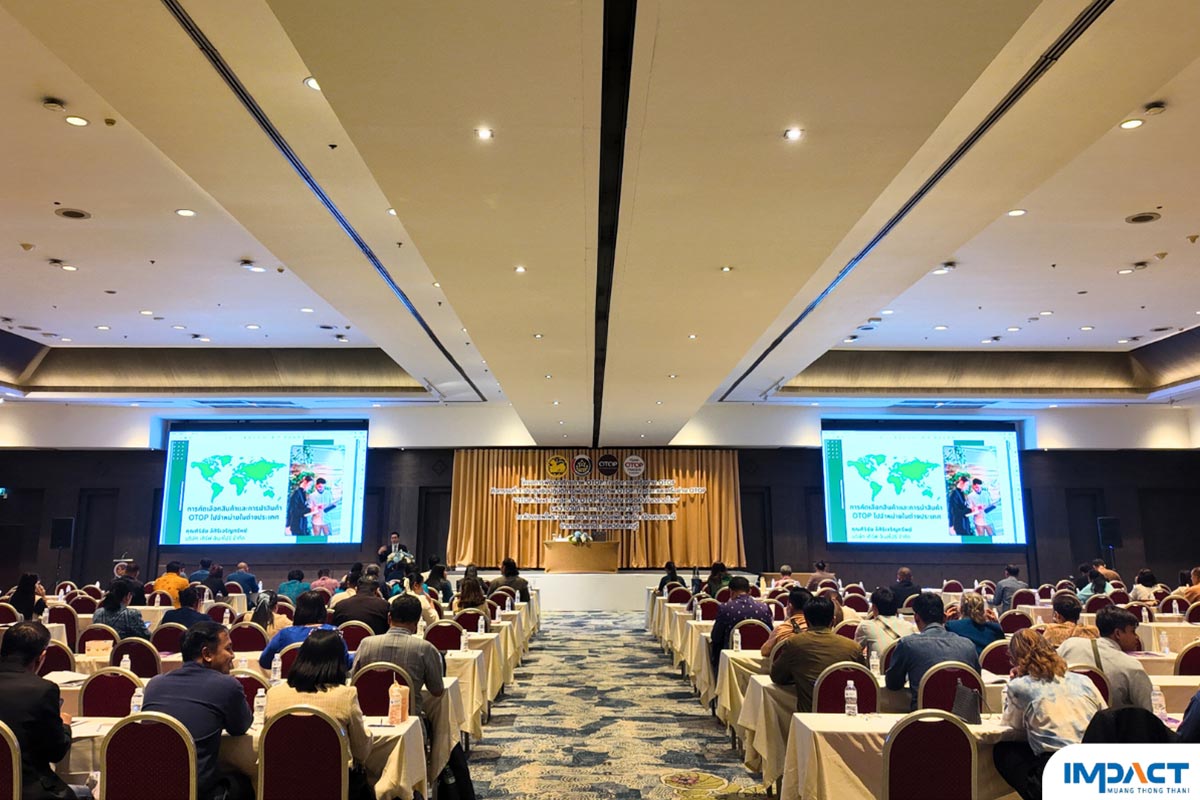
Sapphire Room and The Portal Ballroom
Two premium event venues at IMPACT Muang Thong Thani, fully equipped with high-definition LED screens and comprehensive AV systems
Both venues are thoughtfully designed and equipped to meet the most modern standards for meetings and seminars, significantly enhancing the overall quality and professionalism of any event.
1. Built-in High-Resolution LED Screens
Enjoy maximum visual clarity with LED screens that are clearly visible from every angle in the room. These systems have been thoroughly tested by professional technicians and proven through use by thousands of attendees. Most importantly, IMPACT’s LED screens are highly adaptable to different types of content—whether standard presentation slides, video playback, or live broadcasts—ensuring smooth and efficient performance for all formats.
2. Professional-Standard Audio Systems
Each venue features a well-designed acoustic system with strategically positioned speakers to ensure balanced sound coverage throughout the room. Every space undergoes a full sound check prior to use and offers a wide selection of microphone options. This ensures clear, distortion-free audio without feedback or interference.
3. Stable, Fully Integrated AV Systems
The AV systems are user-friendly and supported by dedicated AV control rooms, along with on-site professional technicians who manage and switch all visual and audio signals. This allows seamless transitions between speakers and content, delivering a smooth and highly professional presentation experience. The venues also support multiple connection options, including HDMI and USB-C, and are equipped with stable, high-capacity Wi-Fi suitable for large-scale usage.
Choosing Sapphire Rooms 204–206 or The Portal Ballroom guarantees premium-level technical support for both visual and audio systems, ensuring your meeting or seminar runs smoothly and leaves a lasting impression on all participants.
If your company, organization, or institution is responsible for selecting a meeting or seminar venue and would like to visit the site or test the AV systems at IMPACT Muang Thong Thani, please contact us directly at 02 833 5252 or visit our website for more information.
Next